
by Tawnya Mayo
As kids head back to school, they’ll spend more time online—whether for research, assignments, or staying in touch with friends. It’s the perfect time for families to check their devices, settings, and habits to make sure everyone stays safe.
Here’s a handy checklist to help parents, grandparents, and any caregivers keep kids’ online experiences secure, healthy, and productive this school year:

🗹 1. Set Up Devices for School Use
- Add or update passwords and device lock screens
- Install all system and security updates before school starts
- Turn on parental controls or screen time limits as needed
- Back-up important schoolwork using cloud services or physical drives

🗹 2. Review Safe Browsing Habits
- Teach kids not to click on unfamiliar links or pop-ups
- Help them recognize phishing attempts—even if emails look like they’re from school
- Bookmark important school websites to avoid scams
- Remind them never to share passwords with friends
🗹 3. Protect Personal Privacy
- Use strong, unique passwords for school accounts
- Explain why oversharing personal info (like location or phone numbers) online is risky
- Turn off location-sharing in apps when it’s not needed
- Discuss how their online data can be collected or sold
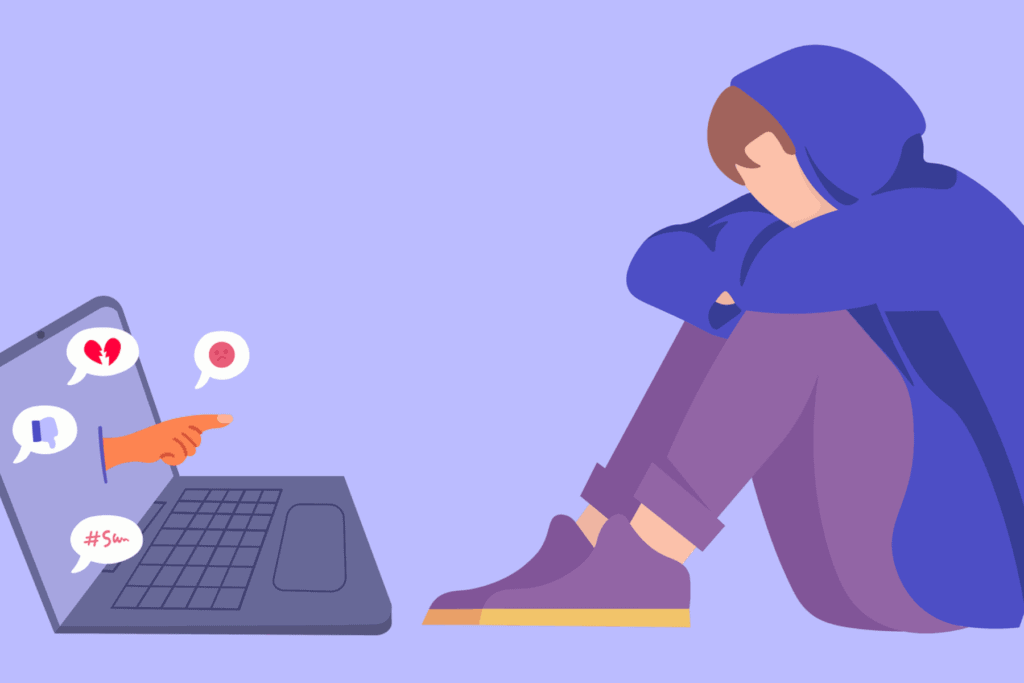
🗹 4. Talk About Social Media & Cyberbullying
- Encourage open conversations about what they see online
- Teach them to recognize and report cyberbullying
- Show them how to block or mute harmful accounts
- Set age-appropriate rules for social media use during the school year

🗹 5. Check Apps and Software
- Review what apps are installed on devices
- Discuss why app permissions matter (camera, location, contacts)
- Make sure new downloads require parental approval when possible
🗹 6. Secure Your Wi-Fi and Networks
- Change default passwords on home routers
- Teach kids not to connect to unknown public Wi-Fi
- Consider using a VPN if appropriate for your family’s needs
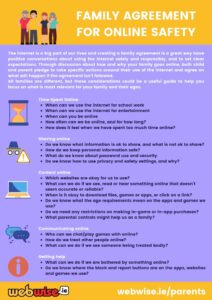
🗹 7. Create Family Tech Guidelines
- Make a simple family tech agreement everyone understands
- Establish “tech-free” times like meals or bedtime
- Let kids know they can always come to you if something online seems wrong or scary
Staying safe online is part of modern back-to-school prep. Taking a little time now to review these tips can help make the school year smoother, safer, and less stressful for the whole family.